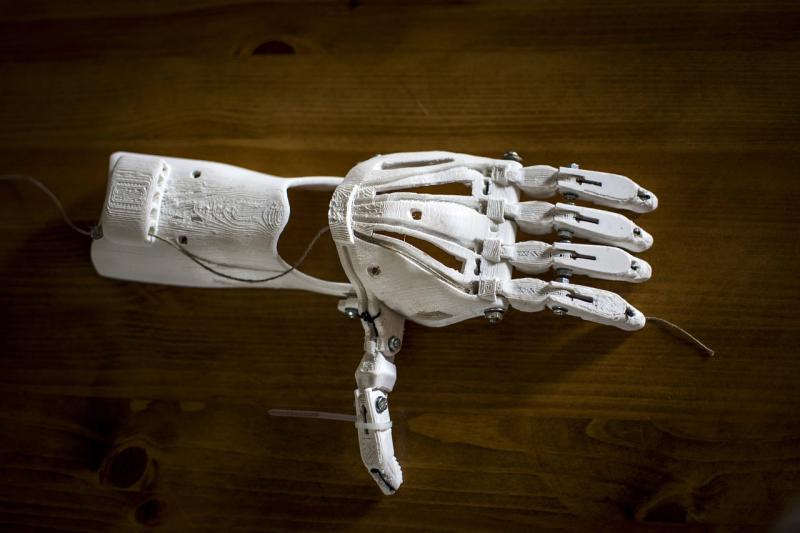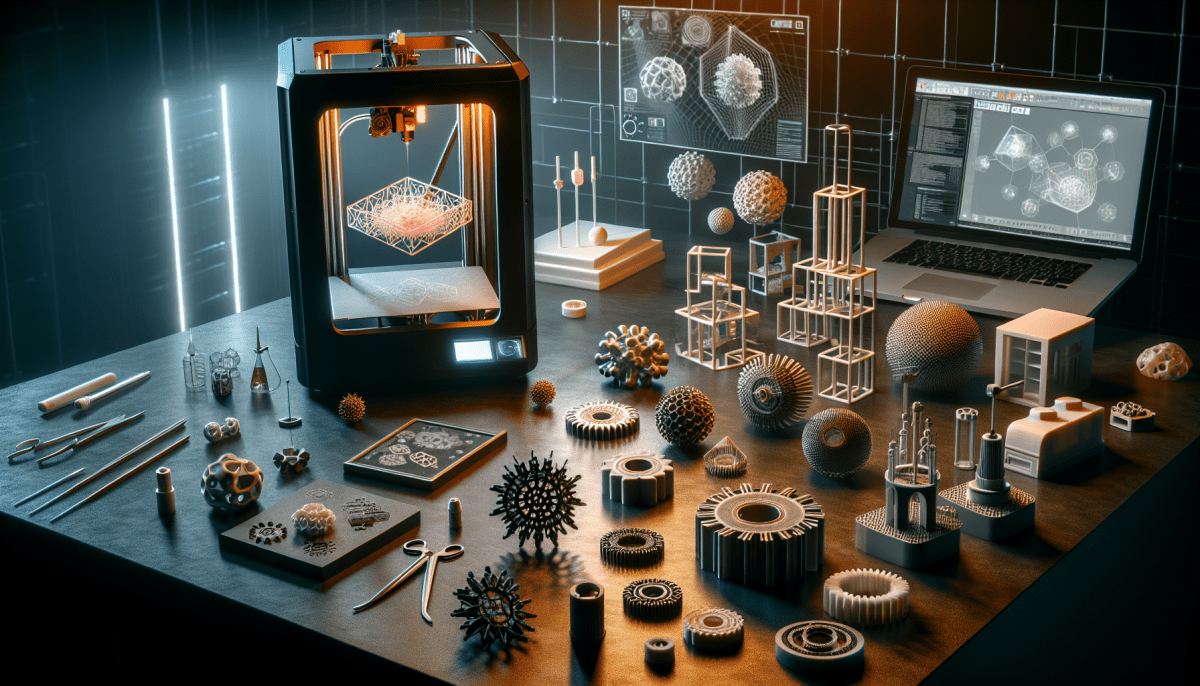
Once you’ve got your printer, it’s time to dive into the world of 3D design. You can use free software like Tinkercad or Fusion 360 to create your own designs. Or, if you’re not feeling super creative yet, check out websites like Thingiverse or MyMiniFactory, where you can find pre-made designs to print.
Next up, you'll need some filament, which is the plastic used to create your prints. PLA is a great choice for beginners. It’s easy to work with and produces excellent results. Make sure to stock up on different colors to keep your projects fun!
Your printer should come with instructions on how to set it up, but be prepared to watch some tutorials online. YouTube has a ton of helpful videos for beginners. Take your time, learn the ins and outs of your machine, and don’t be afraid to experiment. Printing can be a trial-and-error process, but that’s half the fun!
Finally, print away! Start with small projects to get the hang of things. As you gain confidence, you can move on to more complex designs. Enjoy the journey and the cool stuff you’ll create along the way!
Choosing Your First 3D Printer
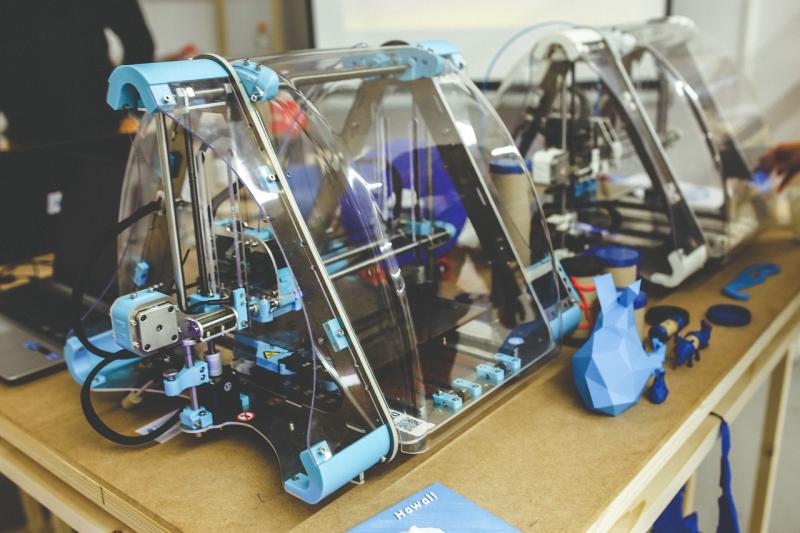
Picking your first 3D printer can feel a bit overwhelming. With so many options out there, it’s easy to get lost in the details. Let’s break it down into some key factors that can help you make the right choice.
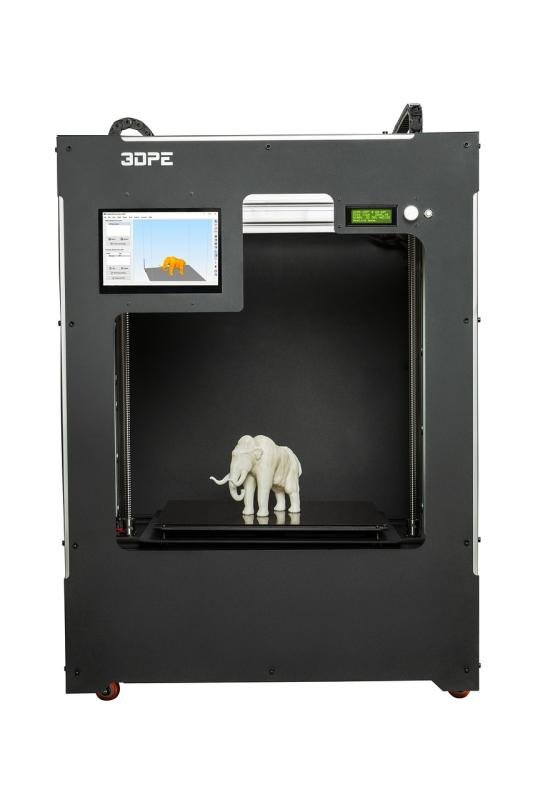
First, think about what you'll be making. Are you interested in printing small models, or do you want to create larger items? Smaller printers are usually easier to use and more affordable, while larger ones give you more freedom in what you can create. Check the build volume before you make a choice; it’s a big deal!
Next up is budget. 3D printers can range from a few hundred bucks to several thousand, so set a budget that works for you. Remember to factor in the cost of materials like filament, as that can add up. If you're just starting out, look for a good entry-level printer that won’t break the bank but still gets the job done.
Don’t skip the user-friendliness factor. Some printers require a bit of technical know-how, while others are super simple to set up and use. Look for models with good customer support and a friendly community. These resources can be lifesavers when you're figuring things out.
Finally, read reviews! Hearing from other users can give you a sense of which printers are really worth your time and money. Look for people who had similar needs to yours and see what they think. This can help steer you in the right direction.
Essential Tools and Materials for Beginners
Getting started with 3D printing? Awesome! But before you dive in, let’s talk about the essential tools and materials that will make your journey smoother.
First up, you need some filament. This is the material your printer uses to create objects. The most common type is PLA, which is user-friendly, biodegradable, and perfect for beginners. It's available in a rainbow of colors, so you can let your creativity shine. If you want something a bit sturdier, try ABS. It's tough but can be a bit tricky for first-timers.
Next, a decent slicing software is a must. This helps you turn your 3D models into instructions for your printer. Popular options like Ultimaker Cura or PrusaSlicer are free and user-friendly. They allow you to adjust settings and get everything just right before hitting print.
Don’t forget about a good toolkit. A simple set of tools like pliers, a scraper, and some sandpaper can help you deal with minor repairs and finish your prints neatly. These tools make the whole process way easier. And if you're using a heated bed, a pair of gloves can keep you safe.
Lastly, save yourself some headaches with a good set of print beds or adhesives. A glue stick or a specialized adhesive can help your prints stick to the bed and come off easily when done. This little step can save you from ruining your prints or damaging the bed itself.
Tips for Successful Prints Every Time
Getting started with 3D printing can feel a bit overwhelming, but a few simple tips can take your prints from good to amazing. First up, make sure your printer is perfectly calibrated. A well-calibrated printer means better adhesion, fewer misprints, and less frustration. Spend a little time getting it right before you dive into your projects.
Next, pay attention to your print bed. Keeping it clean and properly leveled is crucial. Dust or debris can mess with adhesion, leading to prints that don’t stick or warp. Use a ruler or feeler gauge to check the level, and don’t hesitate to clean it with isopropyl alcohol to eliminate any residue.
Another biggie is choosing the right filament. Different materials have different properties, so make sure to pick one that suits your project. PLA is beginner-friendly and a safe bet for most print jobs. If you’re feeling adventurous, try ABS or PETG for durable prints. Just ensure you know the characteristics of the filament before printing.
Lastly, don't rush the process. Smoothing out your designs and allowing your printer the time it needs to work can make a world of difference. Experiment with settings like layer height and print speed to find what works best for you. With a bit of patience and practice, you'll get the hang of it in no time!